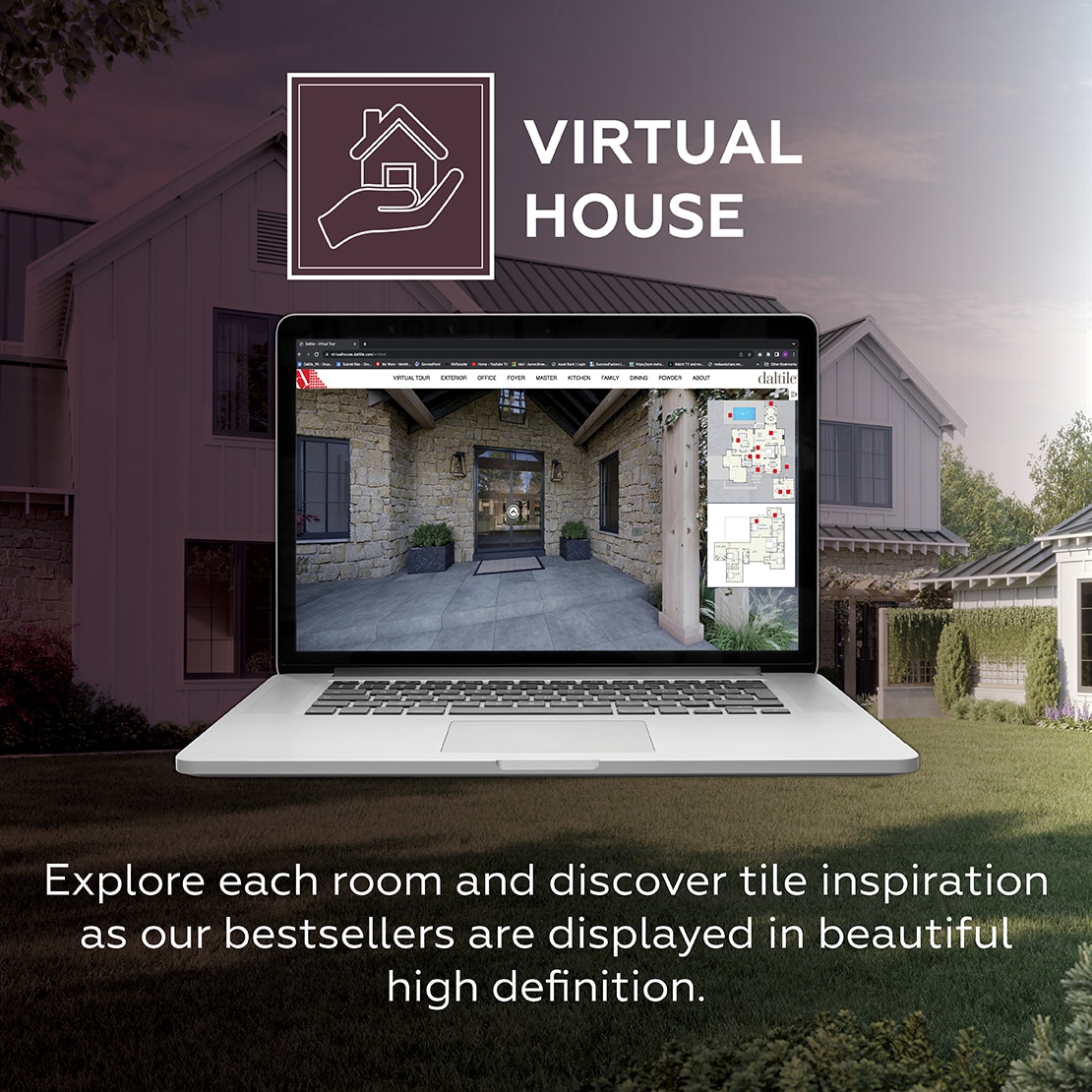


Create Custom Tile Patterns with Daltile's Pattern Tool
Daltile’s Pattern Tool lets you design custom tile patterns with ease. Mix and match tile from a wide selection of colors, sizes, and styles to create the perfect look for your space. Whether you're working on a kitchen backsplash, bathroom floor, or a large commercial project, this tool helps bring your vision to life.

HOW THE PATTERN TOOL WORKS
Choose a Tile Series: Explore our wide range of tile series, including Color Wheel Classic, Bee Hive and more!
Select Your Pattern: Pick the pattern layout that fits your design goals. Mix and match colors to create your perfect pattern!
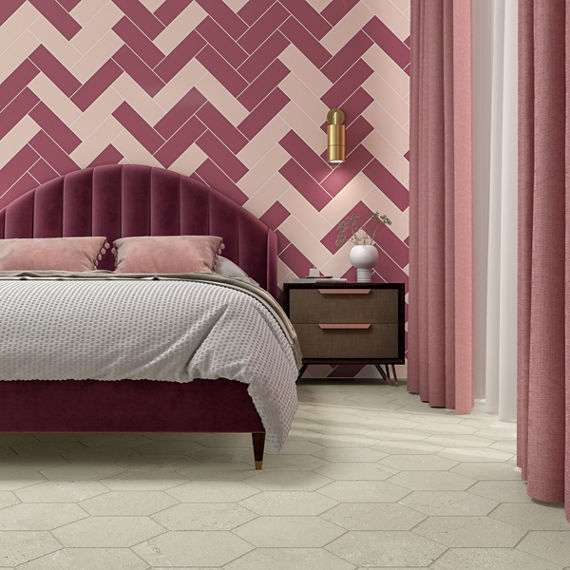
Preview Your Layout: See your design come to life with real-time previews of your chosen pattern in a room.

ENDLESS DESIGN POSSIBILITIES
With Daltile’s Pattern Tool, you have the flexibility to create unique tile pattern layouts that reflect your personal style. From traditional grid patterns to complex geometric layouts, the tool gives you the freedom to play with endless possibilities.
Kitchen Backsplashes: Add texture and depth with custom tile designs.
Bathroom Floors: Create soothing, spa-like patterns for a relaxing retreat.
Commercial Spaces: Bring your commercial space to life with bold, statement tile designs.
WHY USE DALTILE'S PATTERN TOOL?
The Pattern Tool offers precision and creativity, ensuring that your design looks just right before you begin installation. With an intuitive interface, you can easily adjust patterns and tile options for a seamless fit, saving you time and effort.
User-Friendly Interface
Design complex tile patterns in minutes.
Visualize in a Room
Wide Tile Selection

FAQs
-
How do I use the Daltile Pattern Tool?
To use the Pattern Tool, start by selecting a tile series from Daltile’s collection. Then, choose your preferred pattern. Once selected, the tool will display your choices in real-time, allowing you to adjust and experiment with different tile pattern layouts. -
Can I save my tile pattern designs?
Yes! You can save your custom designs directly through the tool. Once you’ve finished your tile pattern layout, you have the option to download or print your design for future reference. -
Can I customize the sizes of the tile?
Yes, the Pattern Tool allows you to select from a range of tile sizes offered in each series. You can mix different sizes within your tile patterns to achieve your desired look. -
Can I purchase tile directly from the Pattern Tool?
Once you finish creating your custom mosaic, simply click Get A Quote and you’ll be matched with a dealer or Daltile representative to help bring your design to life! -
Is there a cost to use the Pattern Tool?
No, the Daltile Pattern Tool is completely free to use. You can design as many tile patterns as you like without any charge.
FEATURED SERIES


EXPLORE OTHER DESIGN TOOLS